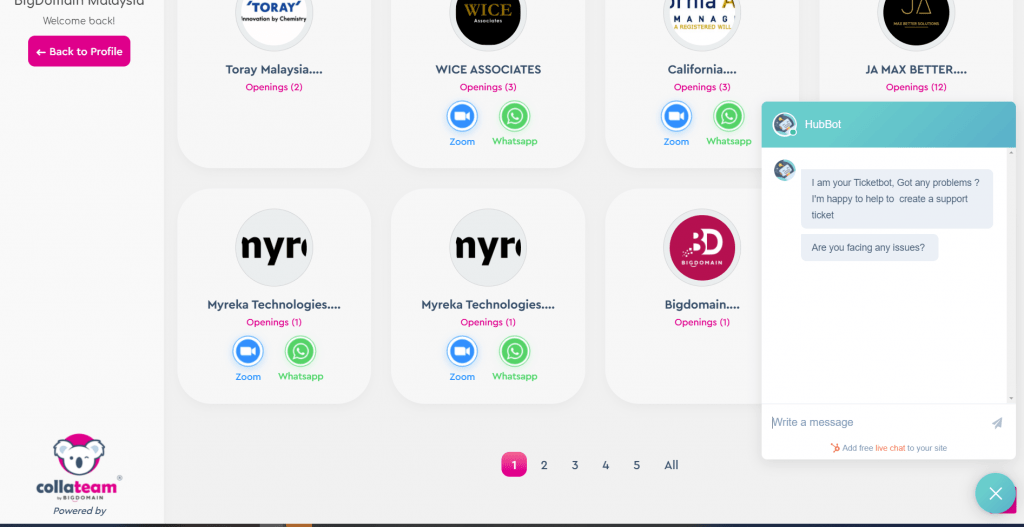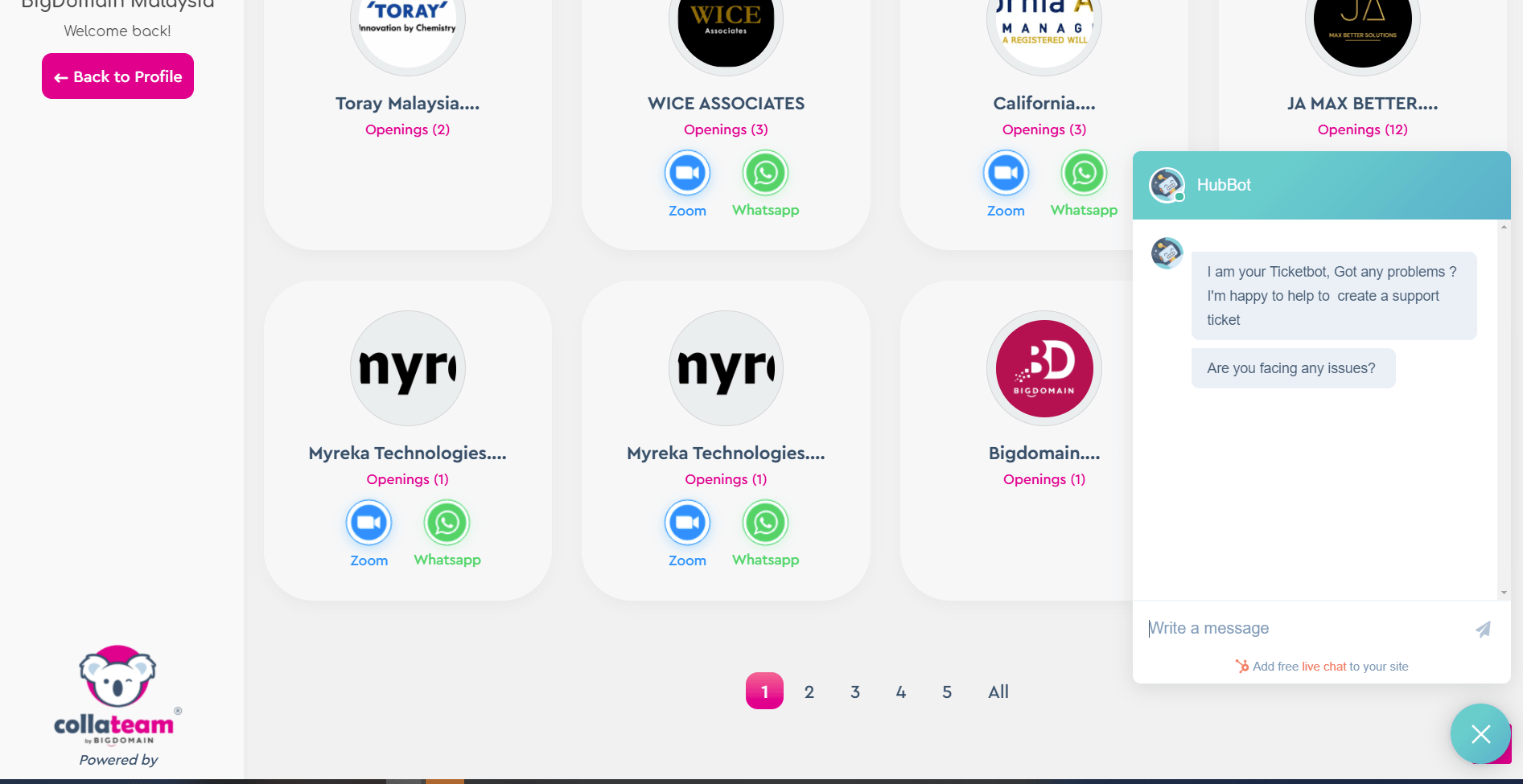
We have prepared you a simple guide to help you create your zoom link for meeting the jobseeker during virtual career fair
First Steps - You Only need to create the link Once
You only need to create the Link ONCE so you do not have to change the link Every Day
head to https://zoom.us
or directly via https://zoom.us/meeting/schedule
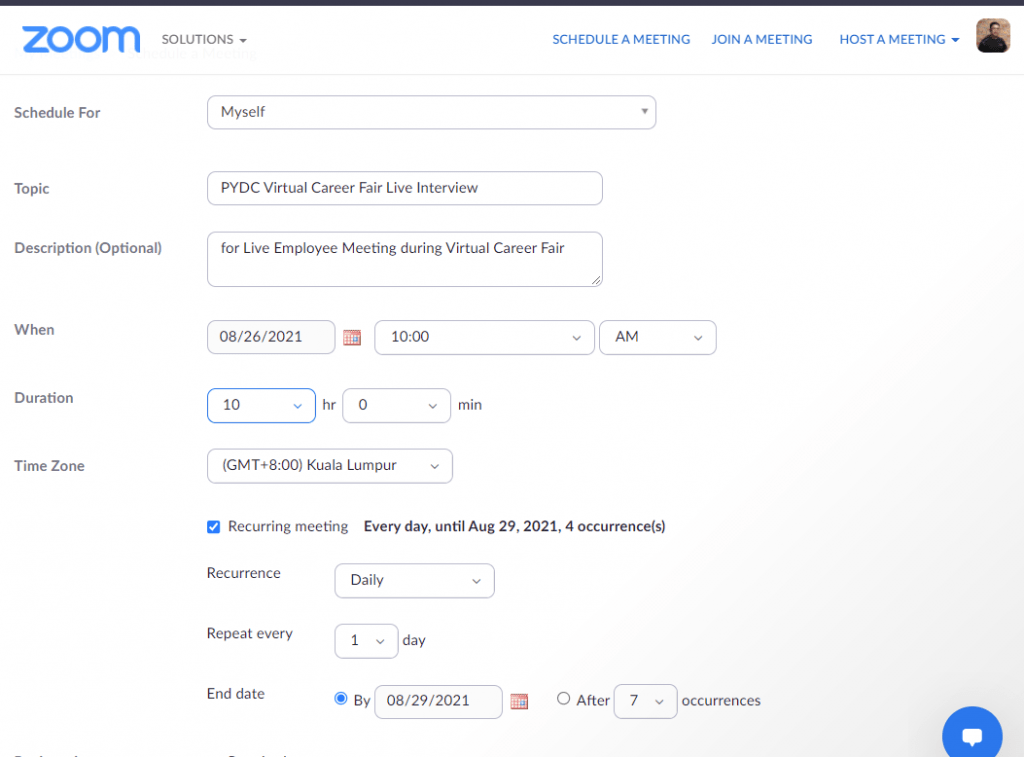
- Enter your desired detail in the Topic, Description field
- When field - select 08/26/2021 - start 10am
Duration - 8 or 10 hours , and Malaysia - Kuala Lumpur Time Zone - Enable Recurring Meeting, Select Daily , Repeat every 1 Day , end Date 08/29/2021
** this will allow you use the same link for the daily interview
You can enable Registration to get the jobseeker and people's details

Video/Audio/Meeting Options
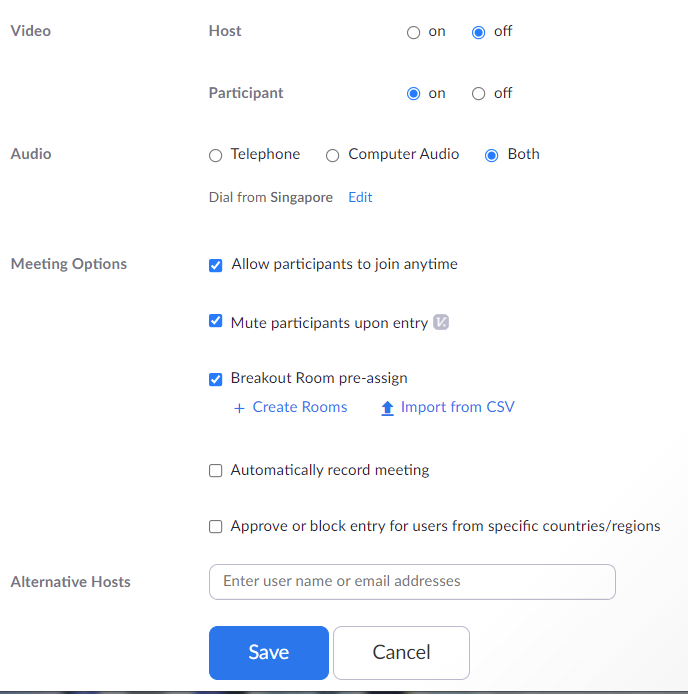
Video/Audio/Meeting Options : You can select as per your preferred options
You can Create BreakoutROOM, if you like to meet the candidate separately instead of group.
Alternatively you can assign / create the breakout room inside zoom to manually assign the jobseekers . Your admin need to enable breakout room in ZOOM meeting Settings. See Guide
Add an Alternative hosts if you have others Person in Charge. The Alternative host must have a Paid ZOOM account under the same organization. Otherwise you can assign co-host when both of you are inside the Zoom Application
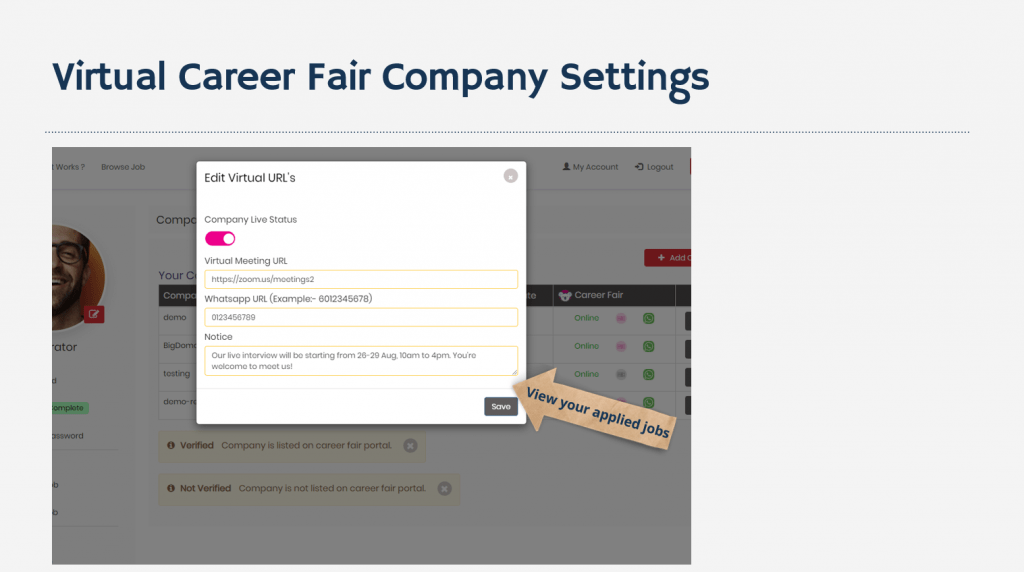
Enter Your Links to PYDC-Career Fair Settings
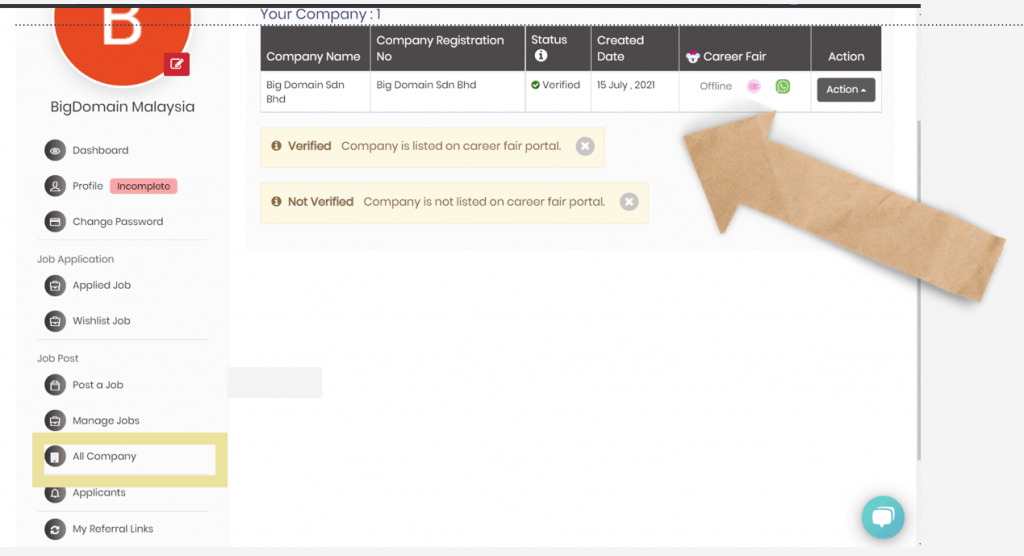
Once your zoom link has been generated. Go to
https://pydc.com.my/career
https://pydc.com.my/career/company/company-list
Enable Virtual Meeting and Paste your ZOOM Link into the field. Whatsapp no is compulsory for all Employer wish to enable live meeting
Get Support
if you still facing any problems or have any enquiry , please feel free to contact us via our TicketBOT. We will note your problems and assist you throughout the Career Fair
or Contact PYDC 0124010186 / 0174419964